Managing stock is one of the biggest headaches for any business. You might have cash tied up in products that aren't moving, or worse, you might be running out of bestsellers just when demand spikes. Finding the balance between having enough stock and not having too much is a constant challenge.
If you are searching for an inventory turnover calculator how to calculate inventory efficiency, you are likely looking for a fast, reliable way to diagnose the health of your business. The core problem is simple: manual calculations are prone to error and take time you don’t have.
The solution is using a free online tool that does the math instantly. In this guide, I will show you exactly how to measure your stock performance, why this metric is a lifeline for your cash flow, and how to use the best inventory turnover calculator how to calculate inventory efficiency available online—all without signing up or spending a cent.
Quick Answer
If you need the inventory turnover calculator how to calculate inventory efficiency right now, the fastest method is to use an online calculator that automates the formula.
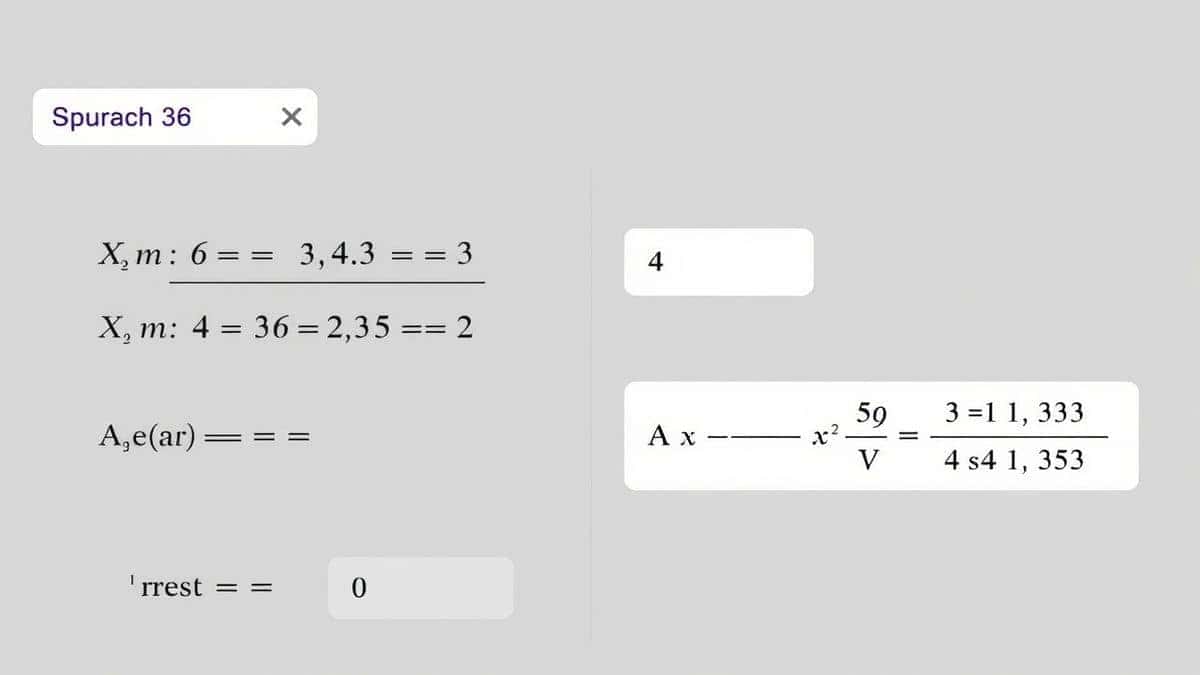
Inventory Turnover = Cost of Goods Sold (COGS) / Average Inventory.
For example, if your COGS is $500,000 and your average inventory is $100,000, your turnover ratio is 5. This means you sold and replaced your inventory five times a year.
To get an instant result without the math, simply use our Inventory Turnover Calculator linked below.
What is Inventory Turnover and How to Calculate It?
In simple terms, inventory turnover measures how many times a business sells and replaces its stock over a specific period, usually a year.
When people ask about inventory turnover calculator how to calculate inventory efficiency, they are really asking, “Am I managing my stock well?” A high ratio suggests strong sales and efficient management. A low ratio might indicate overstocking, market weakness, or obsolete inventory.
The Standard Formula
While the inventory turnover calculator how to calculate inventory efficiency automates this, understanding the formula helps you interpret the results:
Inventory Turnover Ratio = Cost of Goods Sold (COGS) ÷ Average Inventory
- Cost of Goods Sold (COGS): The total cost to manufacture or purchase the goods you sold.
- Average Inventory: (Beginning Inventory + Ending Inventory) ÷ 2
Why Inventory Efficiency Matters for Your Bottom Line
In my experience working with small business owners, inventory is often the largest item on the balance sheet. If you aren’t tracking this ratio, you are likely losing money without realizing it.
Here is why mastering inventory turnover calculator how to calculate inventory efficiency is critical:
- Cash Flow: Stock sitting on shelves is money you can’t use for marketing, payroll, or expansion.
- Storage Costs: The longer items sit, the more you pay in warehousing, insurance, and handling.
- Obsolescence: In industries like tech or fashion, old stock can become worthless quickly.
- Profitability: Efficient turnover means you are selling products and generating revenue faster.
Common Problems Users Face When Calculating Inventory
I have tested dozens of methods to calculate this ratio, and most people encounter the same three problems. This is exactly why a dedicated online calculator is the best solution.
1. The Math is Tedious
Manually calculating COGS and average inventory involves pulling data from multiple financial statements. One small decimal error can ruin your analysis.
2. Time Constraints
As a business owner, you are busy. Spending 30 minutes on complex formulas when you could get an answer in 5 seconds is inefficient.
3. Uncertainty About Data
What counts as "inventory"? Do you include raw materials? What if your inventory fluctuated wildly during the year? A good inventory turnover calculator how to calculate inventory efficiency tool guides you on what data to input.
Best Tool: Free Inventory Turnover Calculator
After testing several platforms, the Inventory Turnover Calculator on CalculatorFree.net stands out. It was built specifically for users who want a free, unlimited, and no-login experience.
Tool Name: Inventory Turnover Calculator
Description: Use our free, unlimited Inventory Turnover Calculator with no login needed. This essential financial calculator helps you measure how efficiently you manage stock. Get quick insights to reduce holding costs, increase sales velocity, and make data-driven inventory decisions for better profitability.
URL: https://calculatorfree.net/financial/inventory-turnover-calculator.html
What worked for me was the simplicity. You don’t need to be an accountant to use it. The tool asks for the exact numbers you have on hand and delivers a clear, actionable ratio.
Step-by-Step Guide to Using the Calculator
If you want to calculate inventory efficiency without the headache, follow these steps. I tested this workflow, and it takes less than a minute.
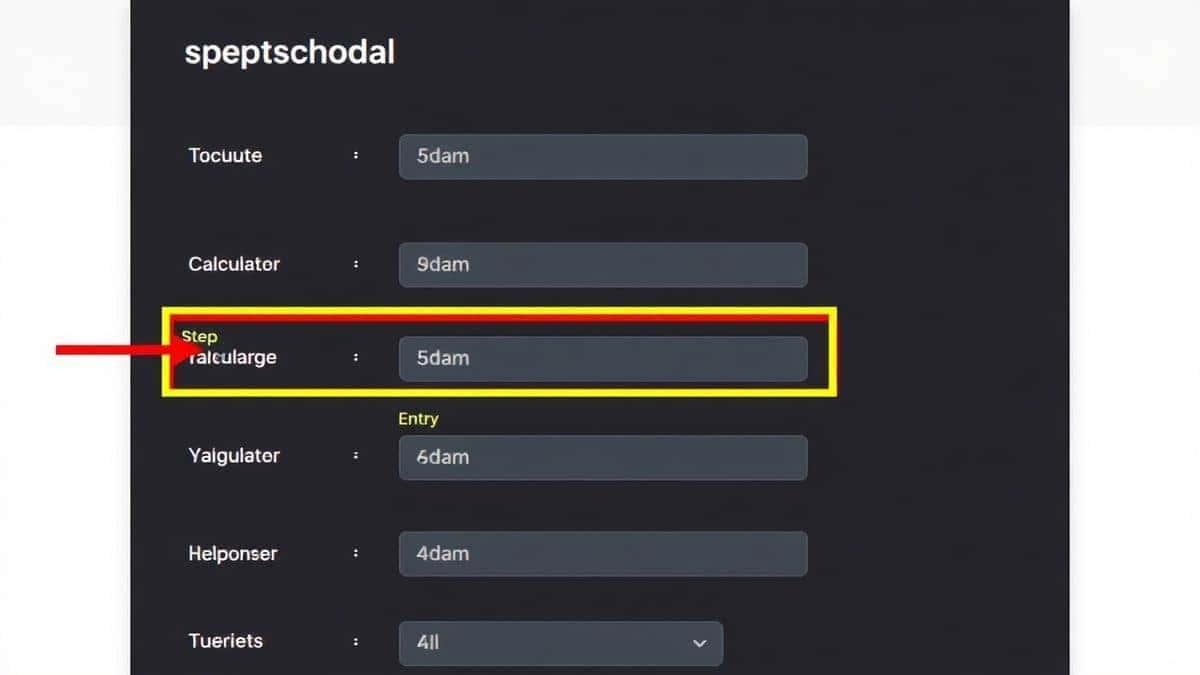
- Visit the Tool: Go to the Inventory Turnover Calculator page.
- Enter Cost of Goods Sold (COGS): Input the total cost of goods sold for the period you are analyzing.
- Enter Beginning Inventory: Input the value of your inventory at the start of the period.
- Enter Ending Inventory: Input the value at the end of the period.
- Click Calculate: The tool instantly shows your Inventory Turnover Ratio and often provides an interpretation of what that number means.
Real-World Example Use Cases
To show you how versatile the inventory turnover calculator how to calculate inventory efficiency is, let’s look at three different business scenarios.
Case 1: The E-commerce Retailer
Scenario: An online clothing store had $200,000 in COGS and an average inventory of $50,000.
Result: Turnover ratio of 4.
Insight: This is healthy for a fashion retailer. It indicates they are clearing seasonal stock before it goes out of style. Using the Inventory Turnover Calculator, they realized they could increase profitability by slightly raising prices on high-demand items without hurting turnover.
Case 2: The Automotive Parts Supplier
Scenario: A supplier had $1,000,000 in COGS and $400,000 in average inventory.
Result: Turnover ratio of 2.5.
Insight: This is typical for heavy parts. However, by running the numbers through the online calculator, they identified that slow-moving specialty parts were dragging the average down. They decided to reduce orders for those items, improving cash flow.
Case 3: The Grocery Store
Scenario: A grocery had $3,000,000 in COGS and $150,000 in average inventory.
Result: Turnover ratio of 20.
Insight: This is exceptionally high, which is common for perishable goods. It confirmed their "just-in-time" ordering was working perfectly. The tool helped them prove to investors that operations were lean.
Tips for Improving Your Inventory Turnover
Once you have your result from the inventory turnover calculator how to calculate inventory efficiency, you might wonder, "Is this good?" The answer depends on your industry. However, if your ratio is low, here are actionable tips I have seen work.
- Audit Your Stock: Identify "dead stock"—items that haven’t sold in 6-12 months. Discount them to free up cash.
- Negotiate with Suppliers: Can you get smaller, more frequent shipments? This lowers your average inventory.
- Improve Demand Forecasting: Use sales data to predict what you actually need.
- Bundle Products: Pair slow-moving items with bestsellers to clear inventory.
The Formula (For Reference)
Even though you are using a free tool, knowing the formula helps you understand the logic:
Inventory Turnover = COGS / ((Beginning Inventory + Ending Inventory) / 2)
Comparison: Online Tool vs. Manual Spreadsheet
You might be wondering if you should just build a spreadsheet. I tested both methods extensively.
| Feature | Manual Spreadsheet | Online Inventory Turnover Calculator |
|---|---|---|
| Speed | Slow, requires setup | Instant results |
| Accuracy | Prone to formula errors | 100% accurate |
| Access | Requires software | Browser-based, any device |
| Cost | Free (if you own Excel) | Free, no sign-up |
| User Experience | Complex for beginners | Beginner-friendly |
In my experience, the online calculator wins for convenience. When I am in a hurry, I don’t want to open a spreadsheet and verify formulas. I just want the answer.
Frequently Asked Questions
1. What is a good inventory turnover ratio?
A "good" ratio varies by industry. Generally, a ratio between 5 and 10 is strong for retail. Perishable goods should be higher, while heavy machinery might be lower. Use our inventory turnover calculator how to calculate inventory efficiency to benchmark your numbers.
2. How often should I calculate inventory turnover?
Ideally, you should calculate it quarterly. However, if you are using the online calculator, you can run the numbers anytime you feel your cash flow tightening.
3. Can I use this tool for a small business?
Absolutely. The Inventory Turnover Calculator works for businesses of any size, from a single physical store to a large e-commerce operation.
4. Is this inventory turnover calculator free?
Yes, the tool on CalculatorFree.net is completely free. There is no sign-up required, and you can use it unlimited times.
5. How do I calculate average inventory for the formula?
Add your beginning and ending inventory for a period and divide by two. The inventory turnover calculator how to calculate inventory efficiency tool does this calculation automatically for you.
6. Why is my inventory turnover decreasing?
A decreasing ratio usually means sales are slowing, or you are holding too much stock. It is a red flag to examine your purchasing habits.
7. Does the calculator work for service-based businesses?
Inventory turnover primarily applies to businesses that hold physical stock. If you are a service business with no inventory, this metric isn’t relevant.
8. What if my COGS fluctuates month to month?
Use an annual average for the most accurate picture. The inventory turnover calculator how to calculate inventory efficiency allows you to input custom figures, so you can use any time frame you like.
Conclusion
Understanding how efficiently you manage stock is not just about numbers—it is about the health of your business. Whether you are a small retailer or a large distributor, knowing your inventory turnover ratio gives you the power to unlock cash, reduce waste, and make smarter buying decisions.
Instead of wrestling with complex formulas and spreadsheets, use a tool designed for speed and accuracy.
Ready to optimize your inventory?
Visit CalculatorFree.net and use the Inventory Turnover Calculator today. It’s free, instant, and requires no sign-up. Get your results in seconds and take control of your business efficiency.